
Lock tokens or liquidity
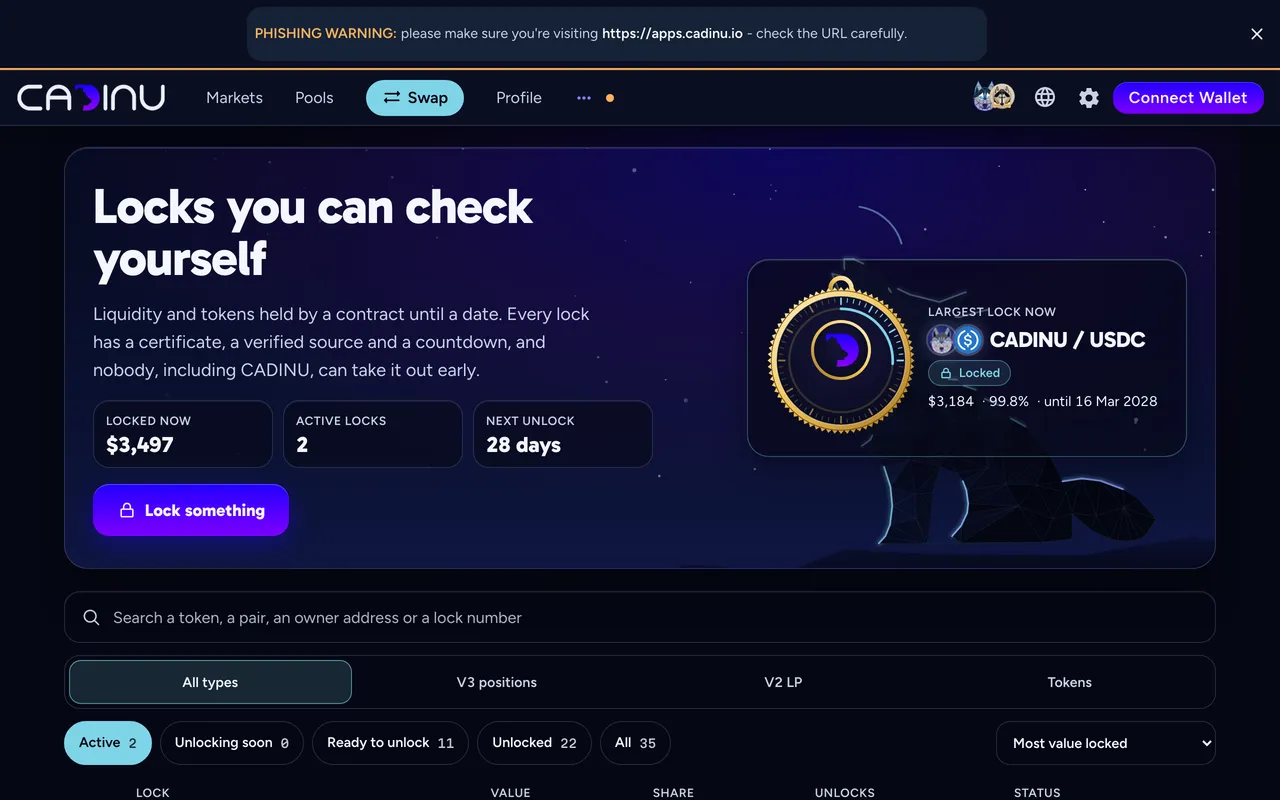
CADINU Lock holds tokens, V2 LP tokens or V3 positions in a contract until the unlock date. Nobody, including CADINU, can withdraw them before then. Every lock gets a public certificate. Contracts and details: Lock Tools.
Before you start
Section titled “Before you start”- The wallet that holds what you want to lock, with a little BNB for the network fee (gas).
- Lock fee: free, you pay only the network fee (read from the lock contracts).
- For liquidity: the V2 LP tokens or the V3 position NFT (Liquidity).
-
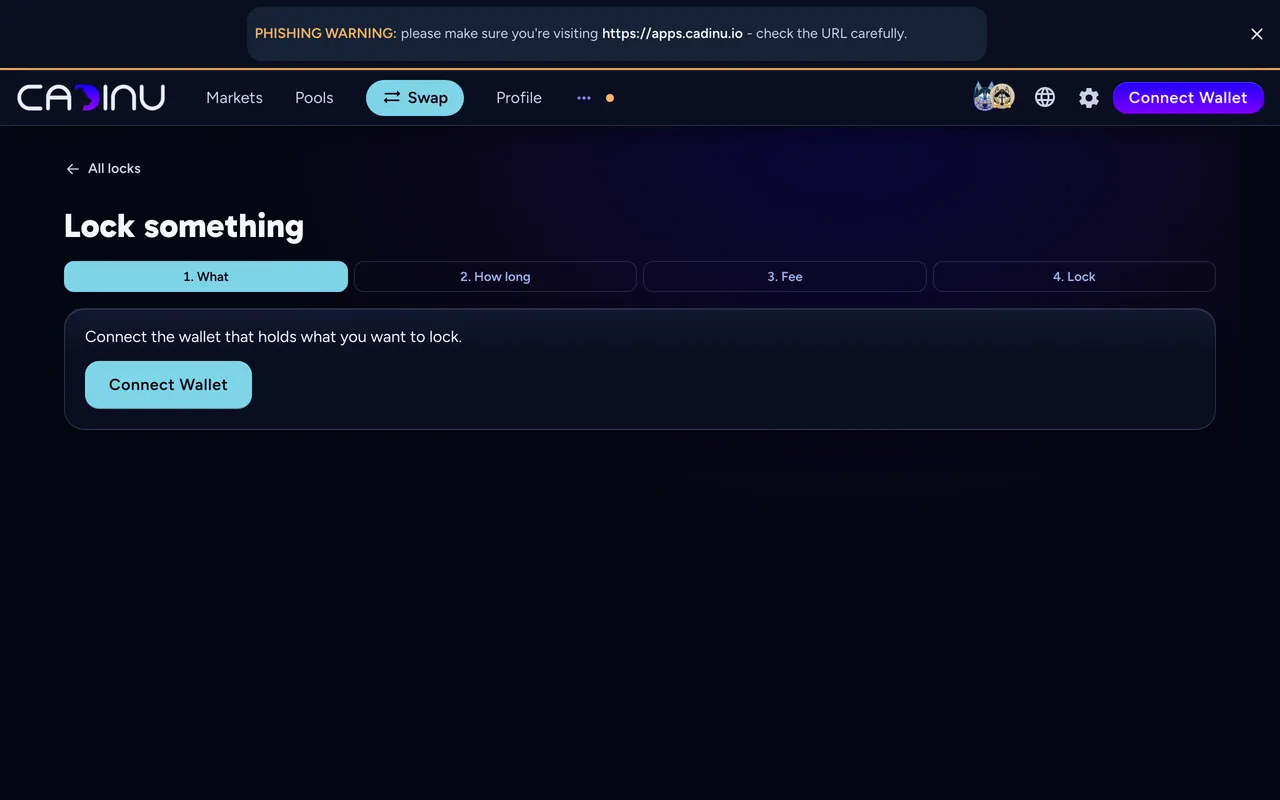
Open Lock something, connect your wallet and pick a BEP-20 token, a V2 LP token or a V3 position.
-
How long
Section titled “How long”Enter the amount and the unlock date. Tokens and V2 LP can also vest in stages.
-
The fee is read live from the lock contract and shown here before you sign. Today it is free, you pay only the network fee. If the contract’s price ever changes, this step shows the new price.
-
Approve once, then confirm the lock in your wallet. The certificate page opens:
apps.cadinu.io/lock/v2/<id>or/lock/v3/<id>.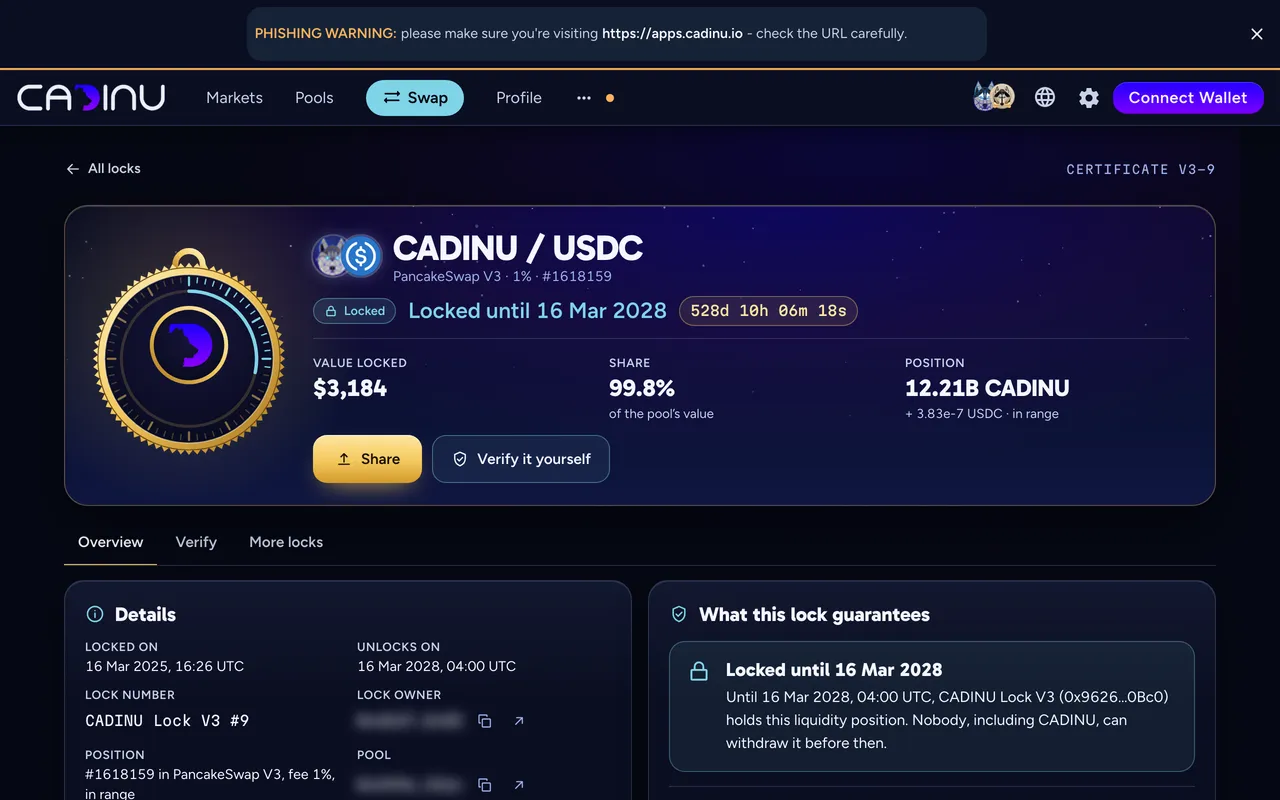
Share and verify
Section titled “Share and verify”- Share posts the certificate link with a ready sentence, copies it, or downloads the image. Share the link rather than a screenshot: the page reads the lock from the chain on every visit.
- Badge: projects can put a small live badge on their website; the code is on the certificate page.
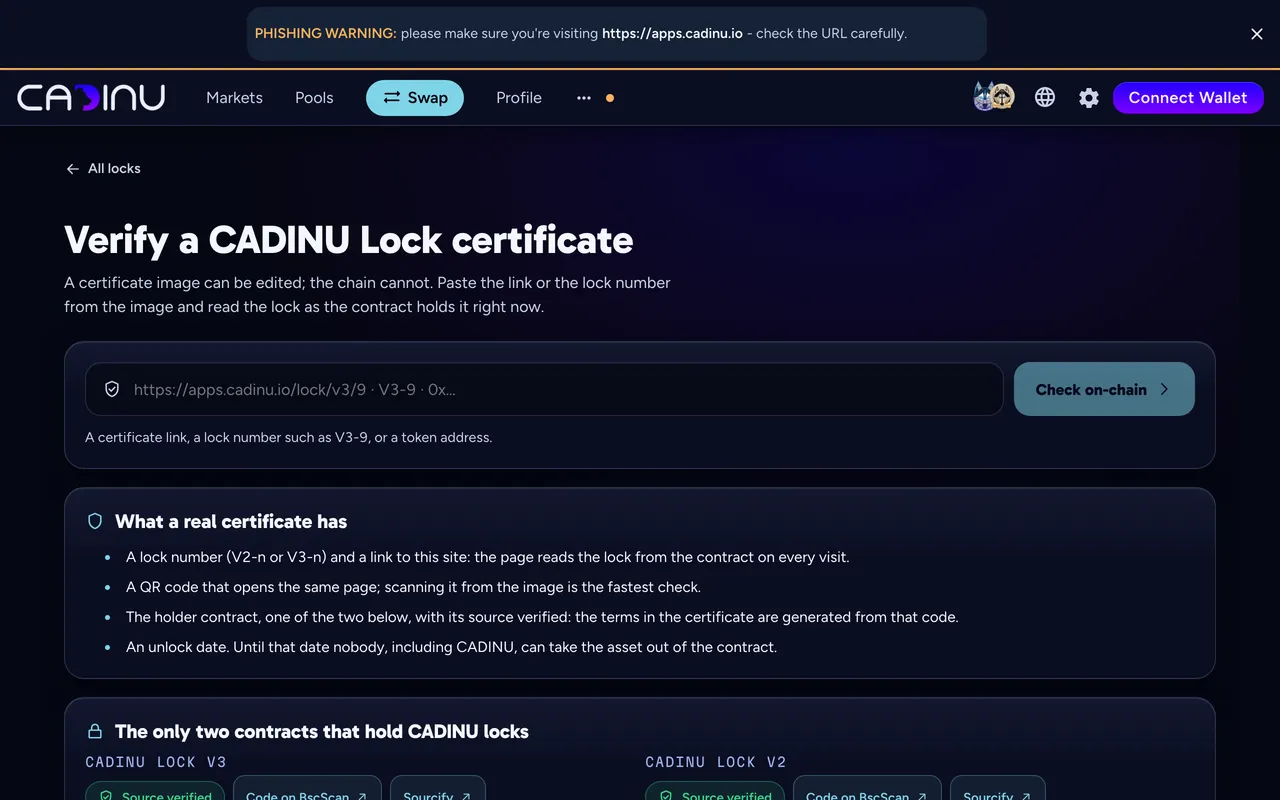
- Verify: anyone can paste a certificate link, a lock number (for example V3-9) or a token address on Verify a certificate.
Owner tools. With the lock owner’s wallet connected, the certificate has a Manage tab: collect V3 trading fees, extend the lock, transfer it, or unlock what has unlocked.
Common errors
Section titled “Common errors”| What you see | What to do |
|---|---|
| Nothing to pick in step 1 | Connect the wallet that holds the token, LP tokens or position. |
| You want to end a lock early | Not possible: a lock cannot be ended before its unlock date. You can extend it or transfer it. |
| Fees of a locked V3 position | Collect them from the Manage tab; the liquidity stays locked. |
Related
Section titled “Related”Read on BNB Smart Chain at block 126,766,716 (2026-10-10): values marked with a gold dot.